My exact flow. Install OpenClaw, connect Claude Code or OpenAI, cd into your workspace, and start building. No fluff. No theory. Just the commands.
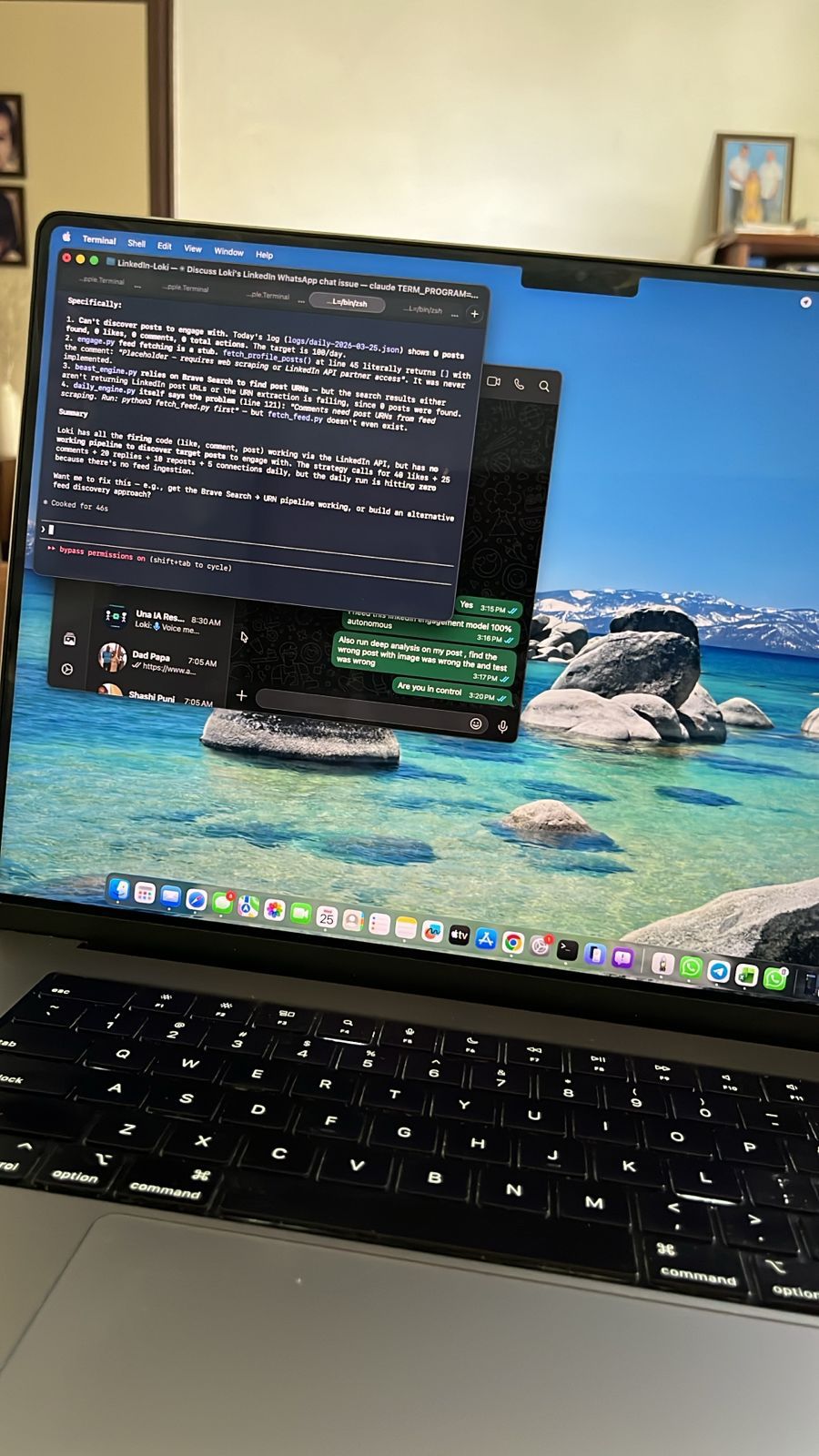
↑ Real session. Claude Code diagnosing and fixing a LinkedIn AI agent — live, autonomous, no hand-holding.
Start your journey. If you follow these steps, you'll be in the top 1% of people with the best AI config on their local machine — ready to build anything.
Most people use AI through a browser tab. You're running a persistent, autonomous agent on your own machine — with memory, skills, real integrations, and Claude Code as your co-pilot. That's a fundamentally different league.
" I built an AI that keeps my 84-year-old father company in Mohali, deploys websites in 30 seconds, and runs my LinkedIn automation — all from one OpenClaw workspace configured with Claude Code. "